Deactivate Your Account
Sometimes priorities change, and if you’ve decided to stop using melp app, you have the option to deactivate your account.
This action is irreversible. Once your account is deactivated, all of your data, history, and connections will be permanently removed and cannot be recovered.
Steps to Deactivate Your Account
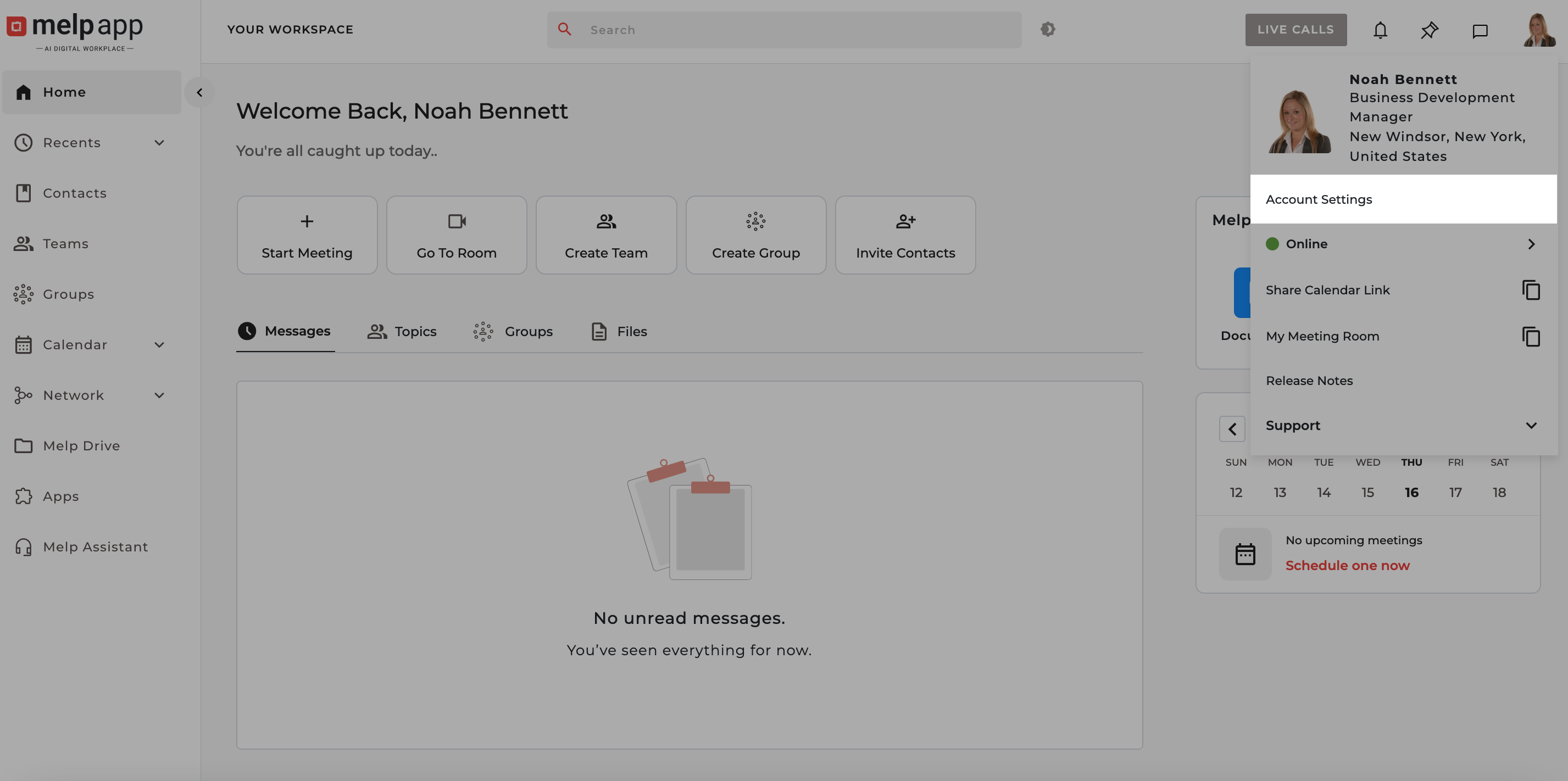
- Go to Account Settings
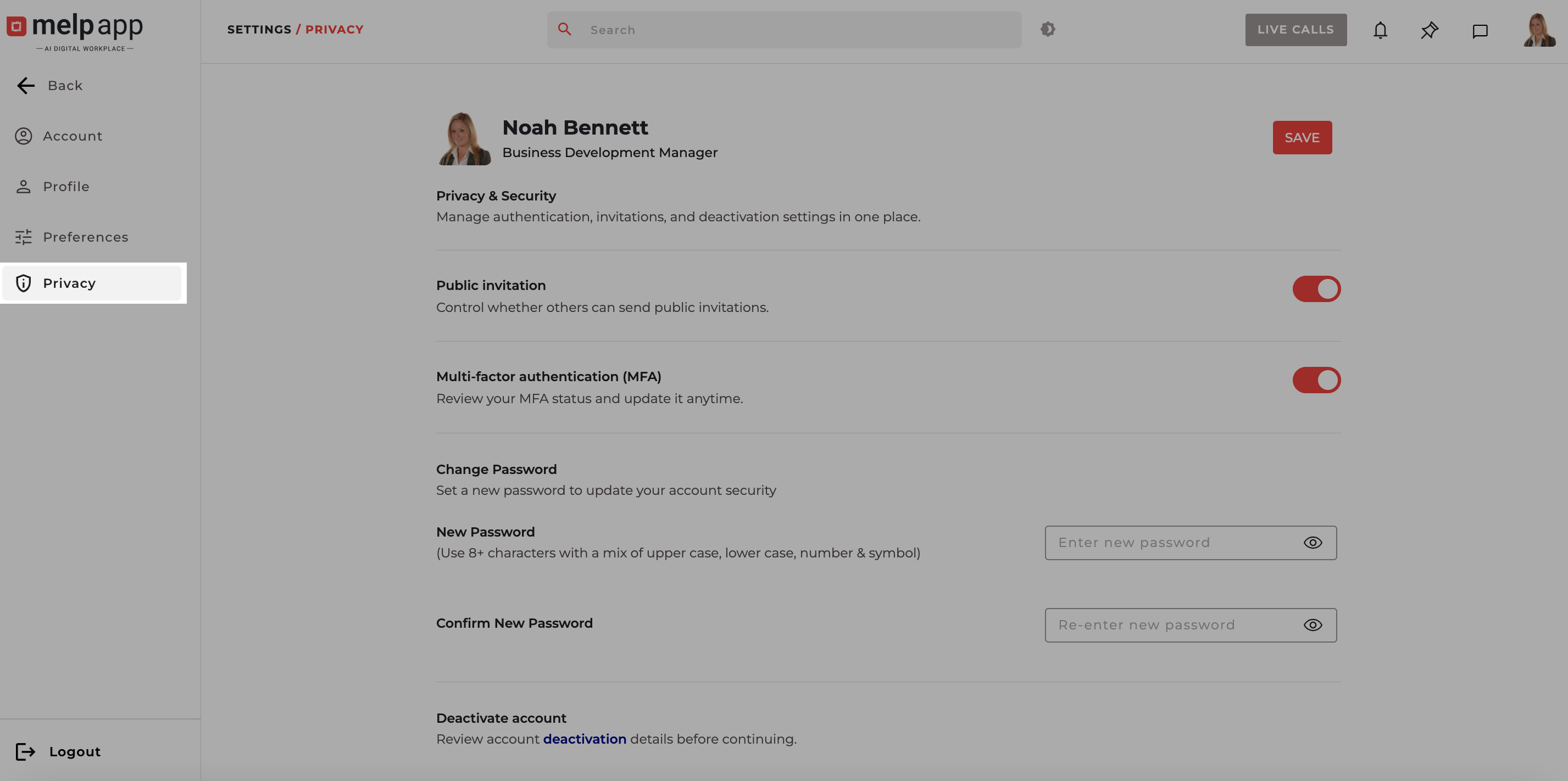
- Click on Privacy tab.
-
Click on the Deactivation hyperlink in privacy. A popup will appear.
-
Carefully read the prompt message. Then check the confirmation checkbox to acknowledge that you understand the consequences.
-
In the provided text field, type: DEACTIVATE
-
Click on the Deactivate button.
-
An OTP will be sent to your registered email address and enter the received OTP in the prompt and click Submit.
Once verified, your account will be successfully deactivated.