

Accessible Meetings, Smarter Documentation
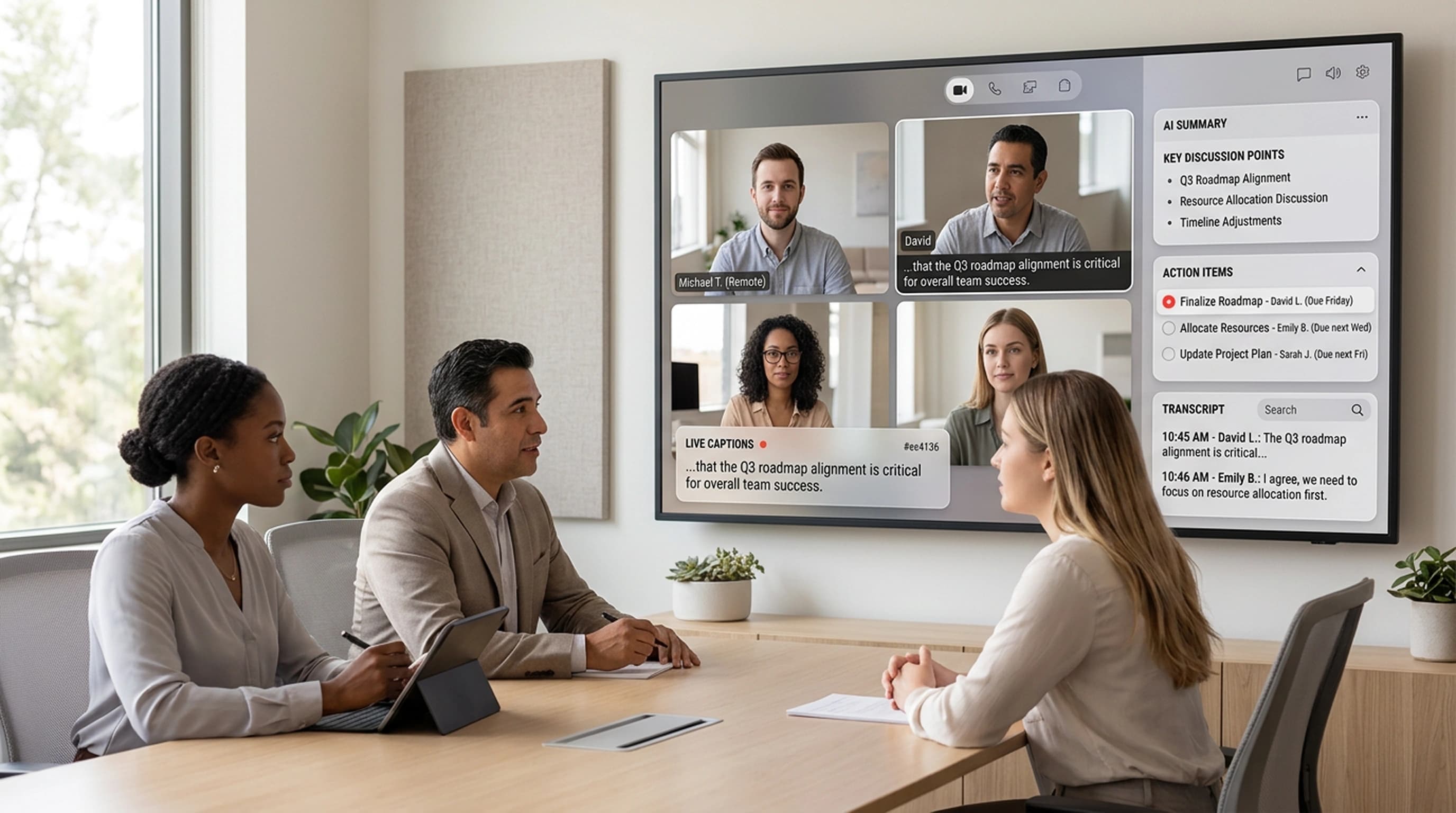
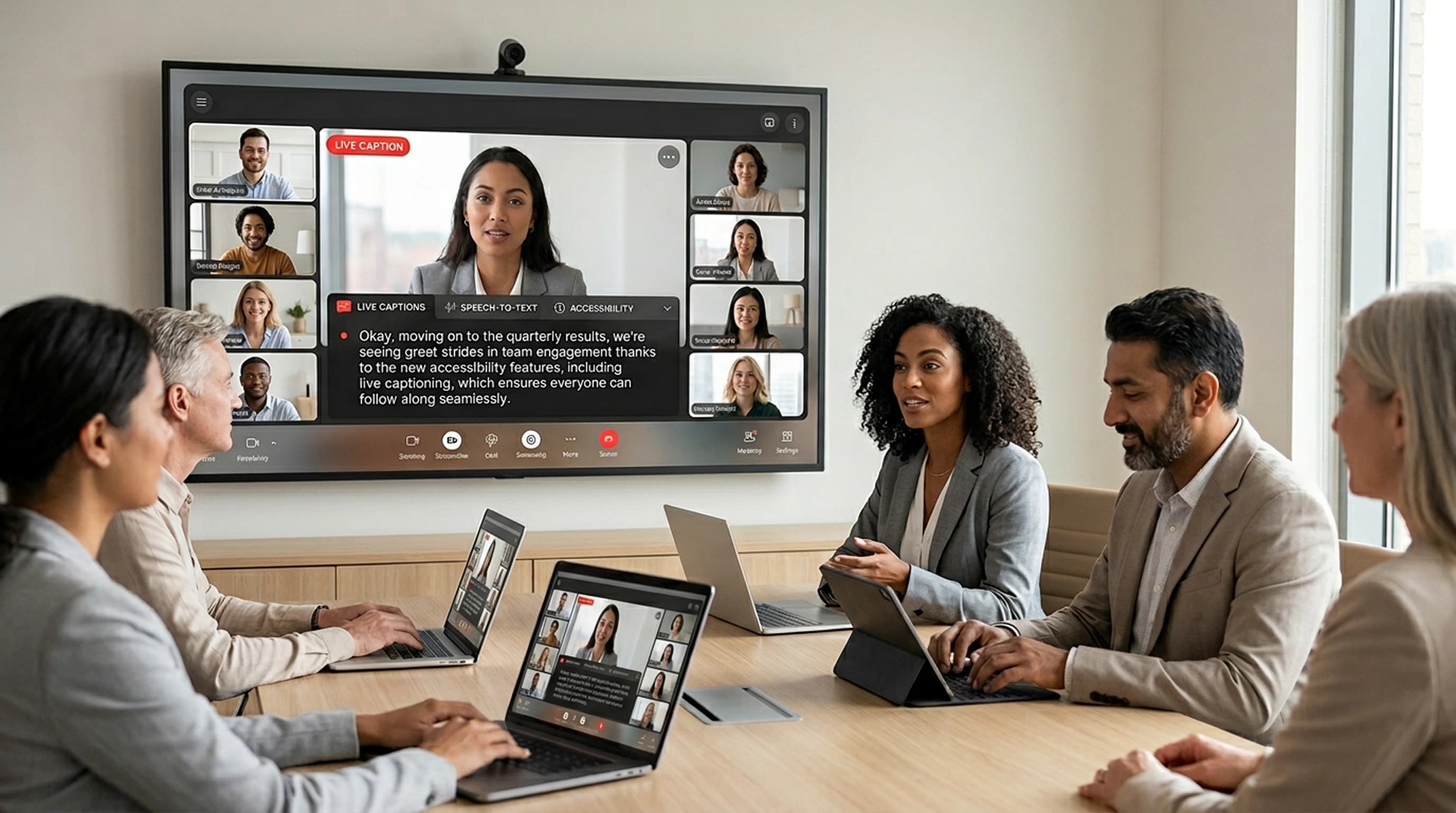
Melp provides real-time captions during meetings and generates AI-assisted summaries after the session. Support accessibility needs, improve recall, and keep a clear record of decisions and next steps.
- Real-time speech-to-text captions
- AI-generated meeting summaries
- Action items identified and captured
- Searchable transcripts for later reference
Inclusive Meetings
Live captions help ensure participants can follow and contribute, regardless of hearing ability.
- Real-time speech-to-text captions
- Support for deaf and hard-of-hearing participants
- Promote inclusive participation across teams

Clear Outcomes, Less Manual Work
AI-generated summaries capture key discussion points, decisions, and action items—reducing the need for manual note-taking.
- Key discussion points captured automatically
- Decisions documented in real time
- Action items identified and organized

Searchable Meeting History
Transcripts make it easier to find prior conversations, confirm decisions, and reference details when needed.
- Full-text search across meeting transcripts
- Quickly locate specific topics or decisions
- Reference details from past meetings with ease
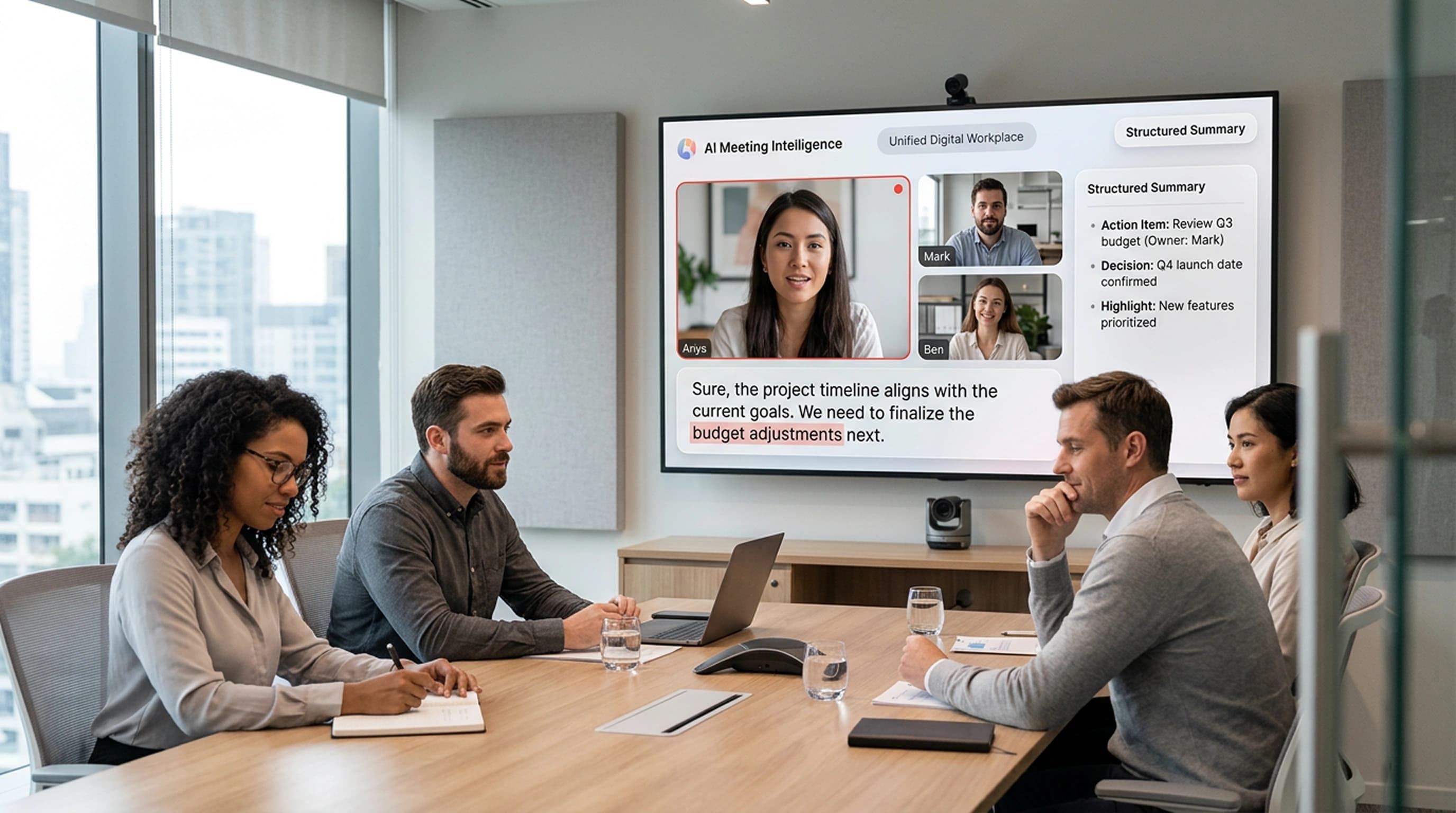
AI-assisted meeting intelligence
From real-time captions to structured summaries, Melp helps teams follow discussions, retain context, and document outcomes consistently.
Built for accessible, well-documented meetings
Whether the priority is accessibility, efficiency, or governance, captions and summaries support better meeting outcomes.

Captions & Summaries – FAQs
Everything you need to know about Melp's live captions and AI-powered meeting intelligence.
Learn more about secure collaboration
Stay up to date with the latest guides, best practices, and insights for technology teams.
The IT Leader's Guide to Secure Collaboration
Learn how to evaluate and implement collaboration tools that meet enterprise security requirements.
Read the guideTalk to a Conferencing Expert
See how Melp's video conferencing can help your team meet, collaborate, and stay aligned — securely.
Contact SalesWhat Are the Best Ed-Tech Tools for Collaboration?
The Best Ed-Tech Tools for Collaboration are Melp App, Microsoft Teams, and Google Workspace. These platforms are widely used across educational institutions to support collaboration in classrooms, hybrid learning models...
Read the blogWhat Are the Best Platforms for Distributed Teams Across US Cities?
Managing teams across New York, Austin, Chicago, San Francisco, and other US cities has become a standard way of working, but it also brings real challenges around coordination, communication, and accountability.
Read the blog6 Best Zoom Alternatives for Business in 2026
Choosing the right video communication platform in 2026 is no longer just about hosting virtual meetings. Businesses now expect tools that support smooth collaboration, work reliably across remote and hybrid teams.
Read the blogMake meetings more accessible - and easier to follow up
Join organizations using Melp to improve accessibility and create consistent meeting records.
Free 30-day trial · No credit card required · Cancel anytime